STARSHIPSUBTITLESGET THE COLLECTION
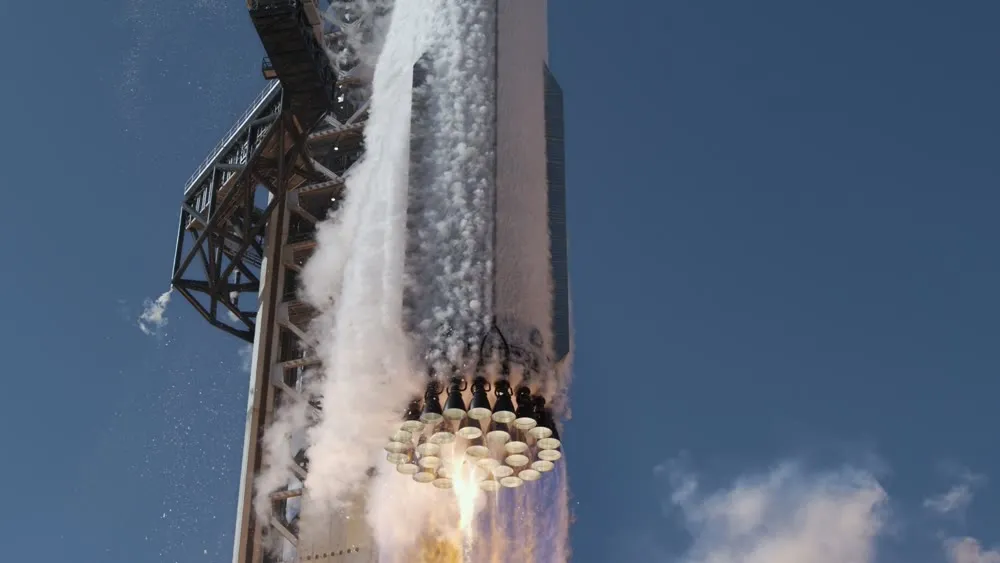
Super Heavy launching, seen beside the launch tower

AN INDEPENDENT SPACEX SUBTITLE COLLECTION

STARSHIP
SUBTITLES.

The story of getting there.
In a language that brings you closer.

Free subtitles for three SpaceX Starship documentaries,
transcribed, reconciled, and translated with Grok.

EXPLORE THE FILMS

03 FILMS 11 LANGUAGES SRT FORMAT

SCROLL TO EXPLORE

THE DOCUMENTARY SERIES

CHOOSE YOUR FILM.

From the factory floor to the edge of space.
Pick a film, choose a language, follow every word.

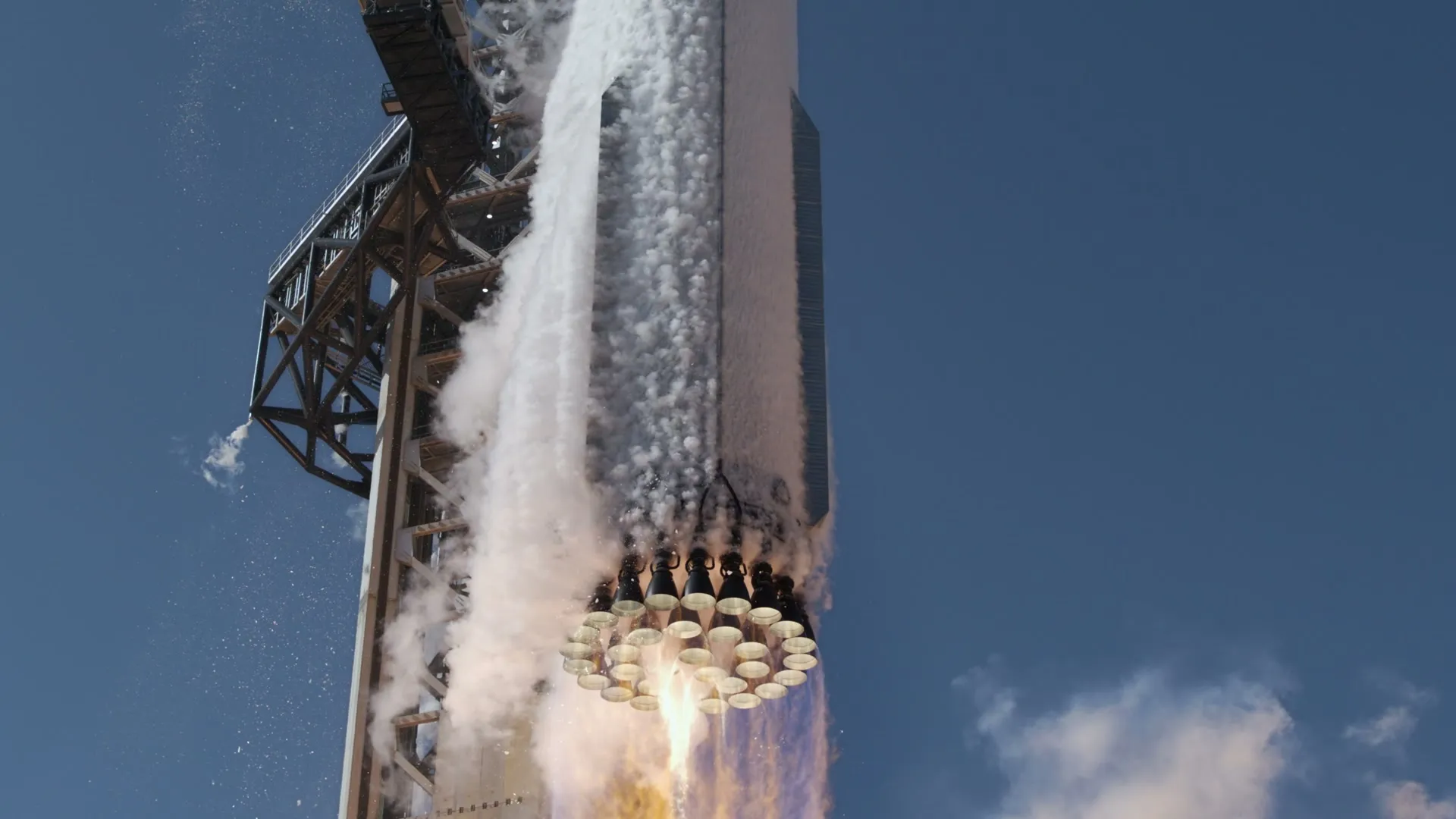
Super Heavy lifting away from the launch tower with its Raptor engines firingEPISODE 03 SPACEX ORIGINAL
FILM 03 / 0328:29   ·   11 LANGUAGES

The Holy Grail of Rocketry

The pursuit of a fully and rapidly reusable rocket. From early experiments to heat shields, atmospheric reentry, and recovery at sea, follow the work of bringing Starship home.

Watch the original on SpaceX
DOWNLOAD SUBTITLES SRT · UTF-8
All 11 languages for this film ZIP   ↓

THE COMPLETE COLLECTION

Three films. Every language.

All 33 subtitle files in one download.

DOWNLOAD ALL SUBTITLES ZIP   ↓

FROM AUDIO TO UNDERSTANDING

MADE WITH GROK.

Multiple transcriptions.
One carefully reconciled subtitle track.

01 / TRANSCRIBE

Start with the audio.

The films were transcribed using Grok alongside ElevenLabs, OpenAI, and Gemini. Multiple recognition results gave Grok alternatives to compare when the speech was difficult to understand.

02 / RECONCILE

Bring the words together.

Grok 4.7 compared the transcripts and selected wording for the final English SRT files, with attention to technical terms, line breaks, and time to finish reading.

03 / TRANSLATE

Open up the story.

Grok 4.7 translated the English subtitles into ten additional languages, then reviewed each language across all three films for meaning and consistency. Translations retain the English timing.

AN HONEST NOTE These are AI-produced subtitles. Some unclear speech and fast radio exchanges remain imperfect. They have not been independently reviewed by a human translator.

READY TO WATCH

PRESS PLAY.
FOLLOW ALONG.

We recommend VLC for Windows and Linux, or IINA for macOS. Both are free, open-source players that support external SRT subtitles.

Save the setup guide
  1. 01

    Download the original film

    Follow the official SpaceX link above the language grid and download the video to your device. These instructions are for watching a local video file.

  2. 02

    Pick your language

    Download the matching film’s SRT file from this page. If you chose a ZIP collection, extract it first and find the language you want.

  3. 03

    Load and enable the subtitles

    Open the video in your player, then follow the short guide below. Load the .srt file, not the ZIP archive.

RECOMMENDED FOR WINDOWS & LINUX

VLC media player

Get VLC
  1. Open the film. Launch VLC and open your downloaded video.
  2. Add the SRT. Choose Subtitle → Add Subtitle File… and select the matching subtitle file.
  3. Turn it on. Under Subtitle → Sub Track, select the loaded track instead of Disable. Use this menu to switch languages or turn subtitles off.

VLC is also available for macOS; its menu labels may differ. VLC subtitle help ↗

RECOMMENDED FOR MACOS

IINA

Get IINA
  1. Open the film. Launch IINA and open your downloaded video.
  2. Add the SRT. Choose Subtitles → Load External Subtitle… and select the matching subtitle file.
  3. Turn it on. Under Subtitles → Subtitle, choose the loaded track instead of None. Select another loaded track here to switch languages.

Use the subtitle delay controls in the Subtitles menu if the words appear too early or too late.

Nothing showing? Check that the correct track is selected and subtitles are not disabled or hidden. Start with the SRT for the same film and unzip downloads before loading them.

Out of sync? These subtitles match the full-length films listed above. In VLC on Windows or Linux, use Tools → Track Synchronization; in IINA, adjust subtitle delay. Alternate edits may need more than a single offset.

A FEW DETAILS

BEFORE LIFTOFF.

Which films and languages are available?

All three films — Test Like You Fly, Critical Path, and The Holy Grail of Rocketry — include English, Arabic, Bengali, Chinese (Simplified), French, Hindi, Indonesian, Portuguese (Brazil), Russian, Spanish, and Ukrainian SRT subtitles.

Are these official SpaceX subtitles?

No. This is an independent subtitle collection, not affiliated with or endorsed by SpaceX or xAI. SpaceX owns the original films and the stills shown on this page. The links take you to SpaceX to watch the films.

Are the subtitles free to download?

Yes. Every individual SRT and ZIP collection is free to download, with no account required.

Will they match every upload of the films?

These tracks were timed against the full-length versions listed here: approximately 24:54, 34:16, and 28:29. Alternate edits, added intros, or trimmed uploads may require a timing adjustment in your player.

What did Grok do?

Grok contributed audio recognition. Grok 4.7 compared and reconciled the outputs from Grok, ElevenLabs, OpenAI, and Gemini, then translated and reviewed the ten additional language tracks. Files are published from the resulting model output; AI review does not guarantee perfect captions.